Create Tattoos
with AI
Have a tattoo idea in mind? Bring your imagination to life. Create unique tattoo designs from text prompts, transform images and sketches into tattoo artwork, preview tattoos on your body, and explore the meanings behind tattoo symbols.
From an idea to your tattoo
Whether you have a clear concept, a reference image, or just a rough sketch, Tattoo AI helps you explore different ways to express your idea.
Create with AI
What would your ideal tattoo look like? Describe your idea in words and let AI turn your concept into a unique tattoo design.
Generate from Photo
Upload any image and transform it into stunning tattoo artwork in styles like Fine Line, Japanese, Blackwork and more.
Try On Tattoos
Upload a photo of your body and preview a tattoo design on it. Explore its placement and size before you commit.
Sketch to Tattoo
Draw your idea by hand and let AI convert your rough sketch into professional, more complete tattoo art.
Analyze Your Tattoo
Upload an image of a tattoo and let AI explain its symbolism, origin and possible interpretations.
Explore & Discover
Browse tattoo styles, meanings and ideas – Japanese, floral, minimal and more – and find your next ink.
Create Tattoos with AI
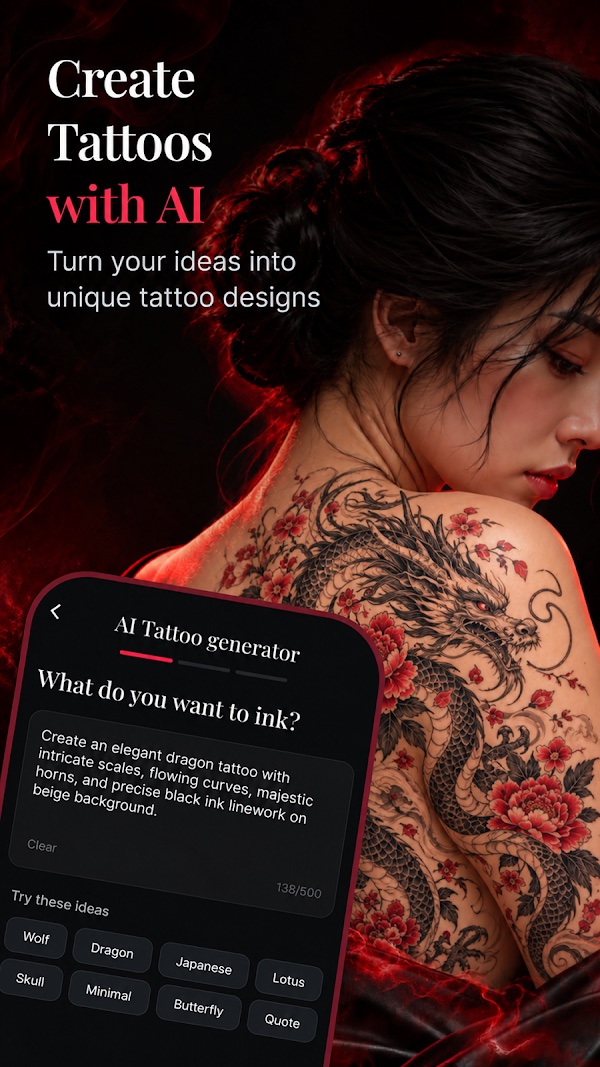
Turn your ideas into unique tattoo designs. Describe your idea in words – "an elegant dragon tattoo with intricate scales and flowing curves" – and let AI turn your concept into tattoo art.
- Write any prompt, or tap a ready-made idea
- Ideas like Wolf, Dragon, Japanese, Lotus, Skull, Minimal, Butterfly
- Get multiple unique designs in seconds
Generate from Photo
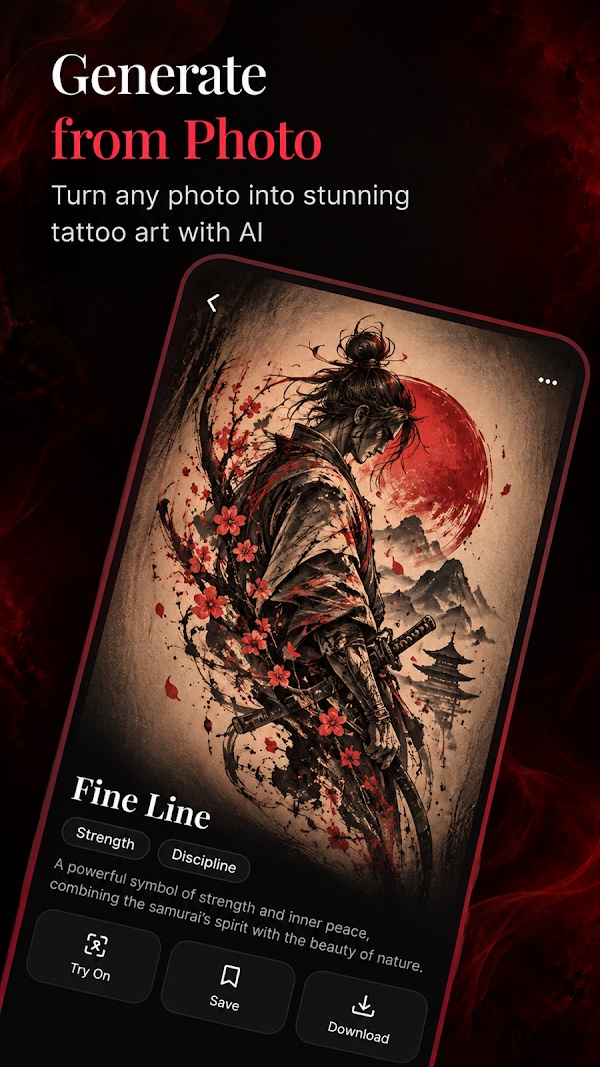
Turn any photo into stunning tattoo art with AI. Upload an image and transform it into tattoo artwork that keeps the spirit of your reference.
- Upload any reference image
- Choose a style such as Fine Line
- Try it on, save it or download it in one tap
Try On Tattoos
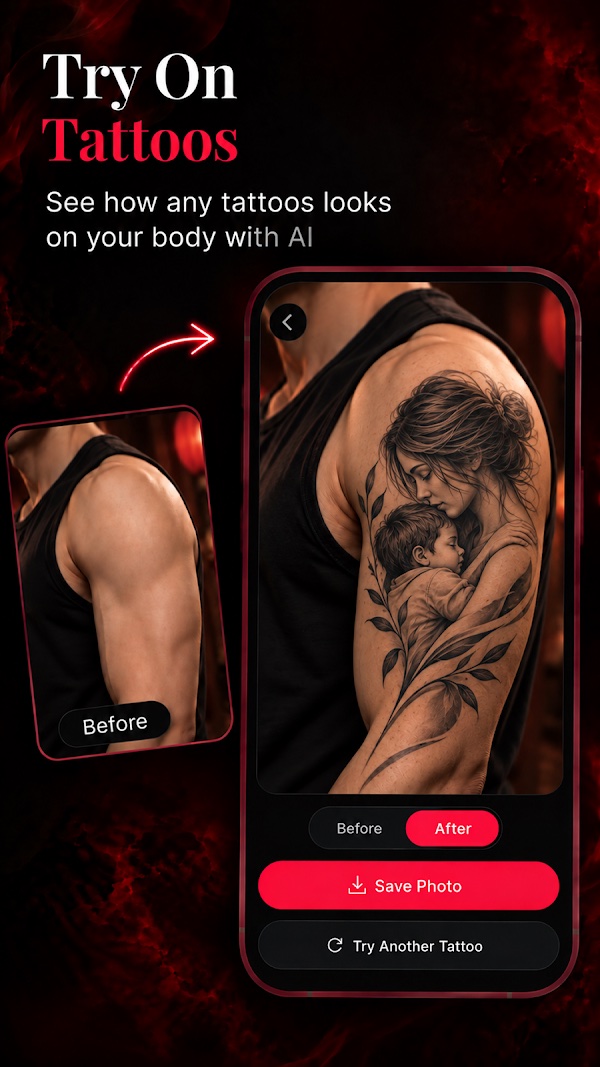
Wondering where your next tattoo should go? See how any tattoo looks on your body with AI.
- Upload a photo of your body
- Compare before and after
- Explore placement and size, then save the photo
Sketch to Tattoos
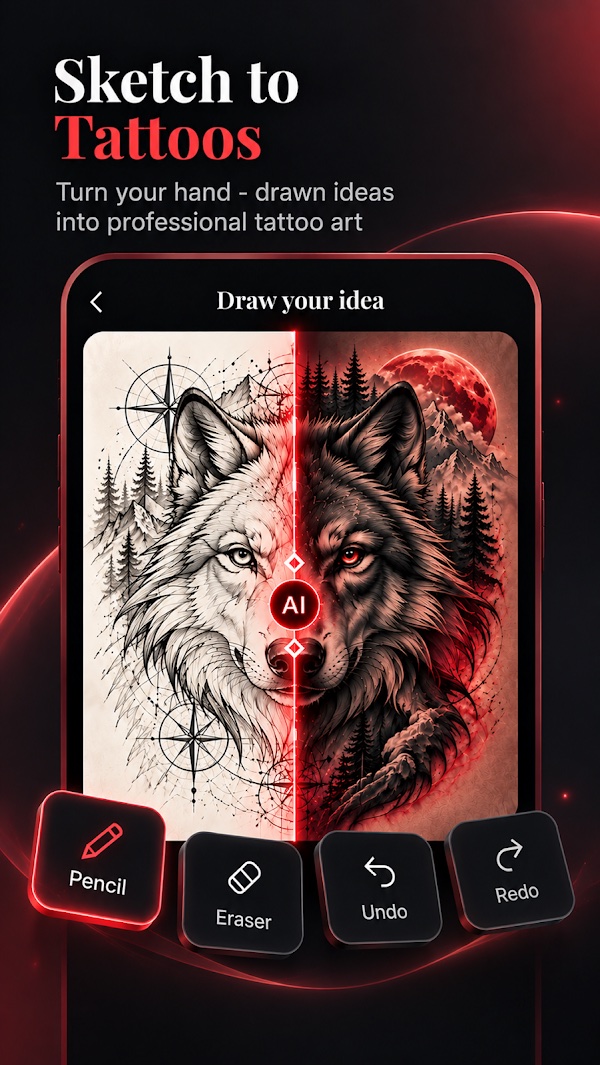
Turn your hand-drawn ideas into professional tattoo art. Just a rough sketch is enough to get started.
- Draw right in the app with pencil, eraser, undo & redo
- Or upload a photo of a sketch on paper
- AI refines it into a complete tattoo design
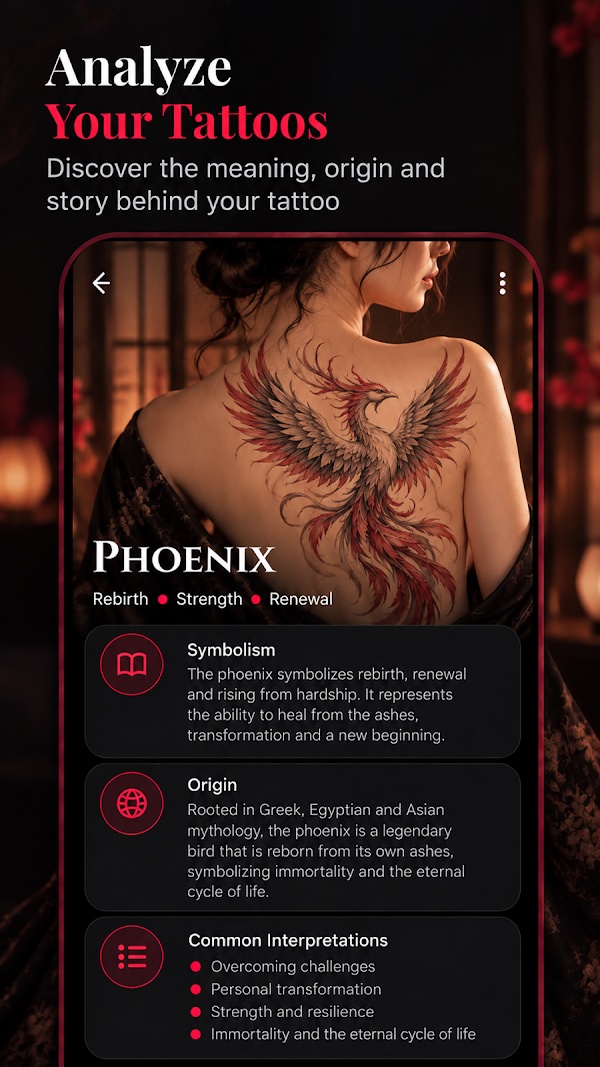
Analyze Your Tattoos
Does your favorite tattoo symbol have a deeper meaning? Discover the meaning, origin and story behind your tattoo.
- Symbolism – e.g. the phoenix: rebirth, strength, renewal
- Origin across Greek, Egyptian and Asian mythology
- Common interpretations explained
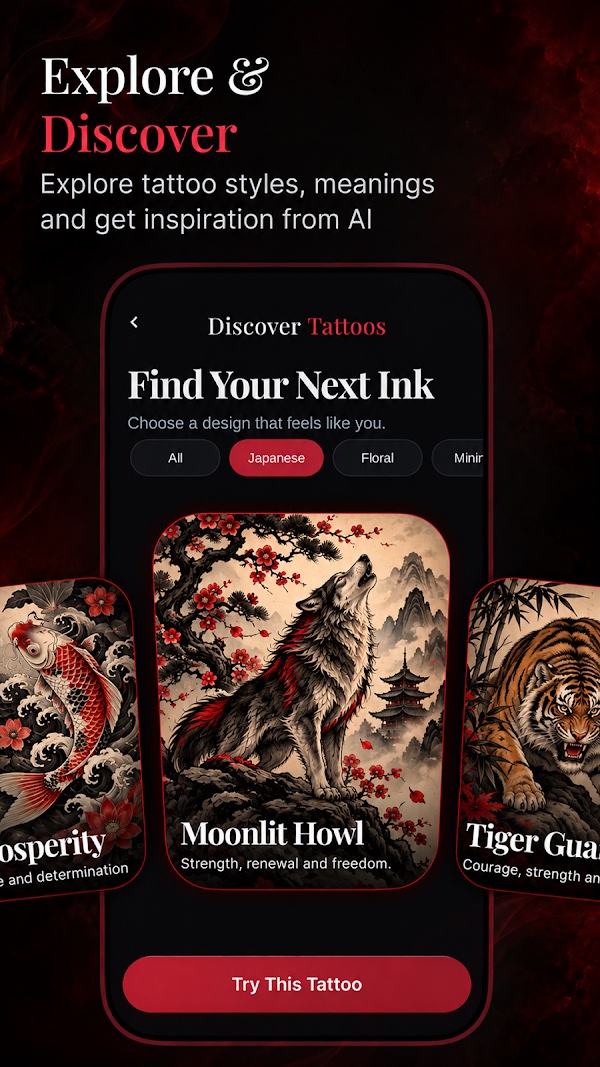
Explore & Discover
Explore tattoo styles, meanings and get inspiration from AI. Find your next ink by choosing a design that feels like you.
- Browse by style: Japanese, Floral, Minimal and more
- Each design comes with its meaning
- Tap "Try This Tattoo" to preview it on your body
Find your next ink
Create tattoo artwork, see where it goes, and learn what it means.
From an idea to your ink
Start with an idea
A clear concept, a reference image, or just a rough sketch – any of them works.
Create tattoo artwork
Let AI turn your idea into unique tattoo designs in the style you love.
Visualize & understand
Preview its placement on your body and learn more about its meaning.
Questions? Answers.
Is Tattoo AI free to use?
Tattoo AI is free to download and contains ads. Some premium features are available through an optional in-app subscription. Prices are shown in the app before you buy and are billed through your Apple ID.
Which devices are supported?
Tattoo AI runs on iPhone with iOS 15.6 or later.
What happens to the photos I upload?
Your photos are only used to deliver the feature you requested (e.g. try-on or tattoo analysis). Uploaded media and generated content are automatically deleted from our servers within 24 hours. Read our Privacy Policy for details.
Can I bring the design to my tattoo artist?
Yes! Save or download the design and share it with your artist as a reference for your next tattoo.
How do I cancel my subscription?
Open Settings → your name → Subscriptions on your iPhone, select Tattoo AI and tap Cancel Subscription. Cancel at least 24 hours before the end of the current period to avoid renewal.
How can I share feedback?
Tattoo AI always needs your recommendations and feedback to be immensely improved. We'd love to receive your suggestions – send them via our contact page. Thank you very much ❤️
Bring your idea to life
Create tattoo artwork, visualize its placement, and learn more about its meaning as you shape your personal tattoo inspiration.
Download on theApp Store